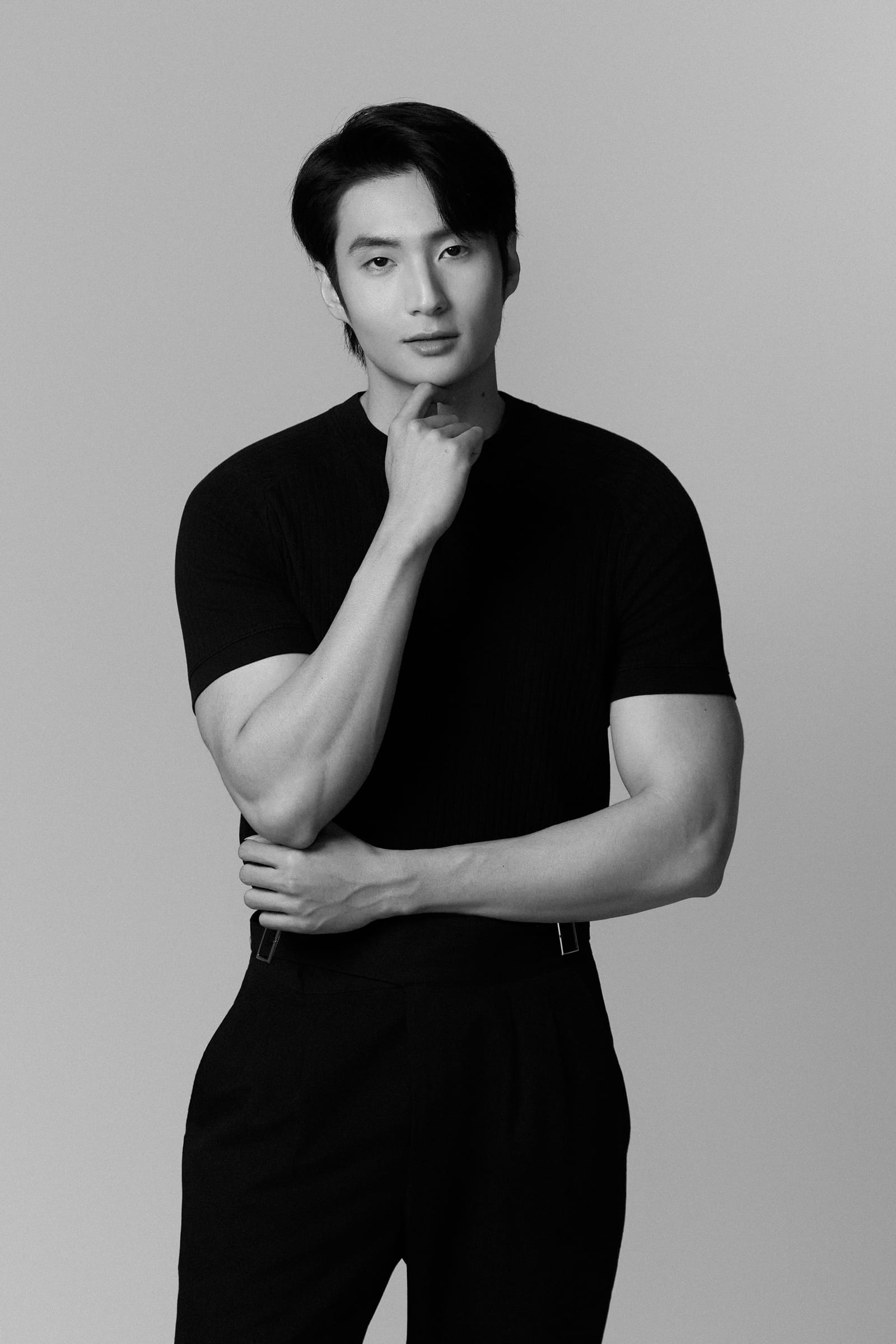
A standard 2026 LinkedIn profile photo is a 1:1 square portrait with a minimum resolution of 400x400 pixels, the face filling 60% of the frame, a confident expression, and a slight smile. According to LinkedIn Talent Insights data, profiles with a properly standardized photo get 2.3 times more views and 14 times more connections than profiles without a photo.
The 7 criteria below are based on a study of the 10,000 most effective LinkedIn profiles in Vietnam during 2025-2026.
7 criteria for an effective LinkedIn profile photo

1. Correct dimensions
LinkedIn accepts photos from 400x400 pixels. However, the optimal recommended size is 1584x1584 pixels because:
- The photo displays clearly on 4K retina screens
- Detail zoom works when viewers click in
- Doesn’t blur when LinkedIn auto-resizes
Format: JPG for people (smaller file), PNG for photos with fine detail (larger file but sharper).
File size: No more than 8MB per LinkedIn’s limit.
2. Face fills 60% of the frame
The face’s share of the frame is the deciding factor for whether your profile gets clicked:
| Face ratio | Impact |
|---|---|
| 20-40% (full body) | -60% views |
| 40-60% (half body) | Average baseline |
| 60-80% (head & shoulders) | Optimal — 2.3x more views |
| 80-100% (close-up) | -30% — too close, uncomfortable |
A face filling 60-70% of the frame, plus shoulders and the collar of the shirt, is the ideal ratio. The top of the head is 15-20% below the top edge of the frame.
3. Neutral background
The background must not be too busy or too contrasting with the face:
- Good: Light gray, earth brown, navy blue, beige, blurred office
- Acceptable: White studio (must have lighting to create depth, not flat)
- Avoid: Bright outdoor light, busy foliage, old company logos, pink/red backgrounds
- Forbidden: Cropped group photos, bathroom selfies, party backgrounds
4. Confident slight smile
LinkedIn data shows that a natural smile boosts click rate by 40% compared with a neutral expression. But not every smile is good:
- Good: Closed-mouth smile, bright eyes with a “Duchenne smile” (crinkles around the eyes)
- Acceptable: Moderate teeth-showing smile (mainly for creative industries)
- Avoid: Overly wide smile looking fake, stern face, tired expression
Tip: Before the shot, recall a happy memory. A natural smile will surface without you having to “perform”.
5. Cinematic lighting, not flat
Lighting that adds depth to the face makes a profile photo look professional. Standard setup:
- Key light: Main light at 45 degrees from above
- Fill light: Secondary light on the other side to reduce shadows
- Rim light: Back light creating a bright edge around the shoulders
- Background light: Light hitting the backdrop to add depth
Photos shot with a smartphone flash head-on will look flat and unprofessional.
6. Industry-appropriate clothing
See details in What to Wear for a Profile Photo — Guide by 8 Industries. General principles:
- Dark or neutral shirt color, contrasting with the background
- No more than 3 colors across the entire outfit
- Avoid fine patterns, thin stripes (cause moiré)
- Collared shirt to create a clear edge line
7. Subtle retouching, no overdoing it
Properly retouching helps the photo look clean without altering your identity:
Do:
- Adjust brightness, contrast, even skin tone
- Remove temporary acne spots, light under-eye circles
- Subtly smooth skin (not over-smooth)
- Crop to a standard 1:1 ratio
Don’t:
- Shrink the face, pull the chin
- Enlarge eyes, slim the nose
- Filter that makes skin too pale
- Change eye or teeth color
A heavily edited photo causes loss of trust from recruiters when the real person shows up at the interview.
Quick checklist — Does your LinkedIn profile photo measure up?
- 1:1 square, at least 400x400 pixels
- Face fills 60-80% of the frame
- Neutral, non-busy background
- Natural smile expression
- Lighting with depth (not flat)
- Industry-appropriate clothing
- Subtle editing, no distortion
- Not cropped from a group photo or selfie
If fewer than 6 boxes are checked, it’s time to invest in a new profile photo set.
LinkedIn banner photo — The often-overlooked piece
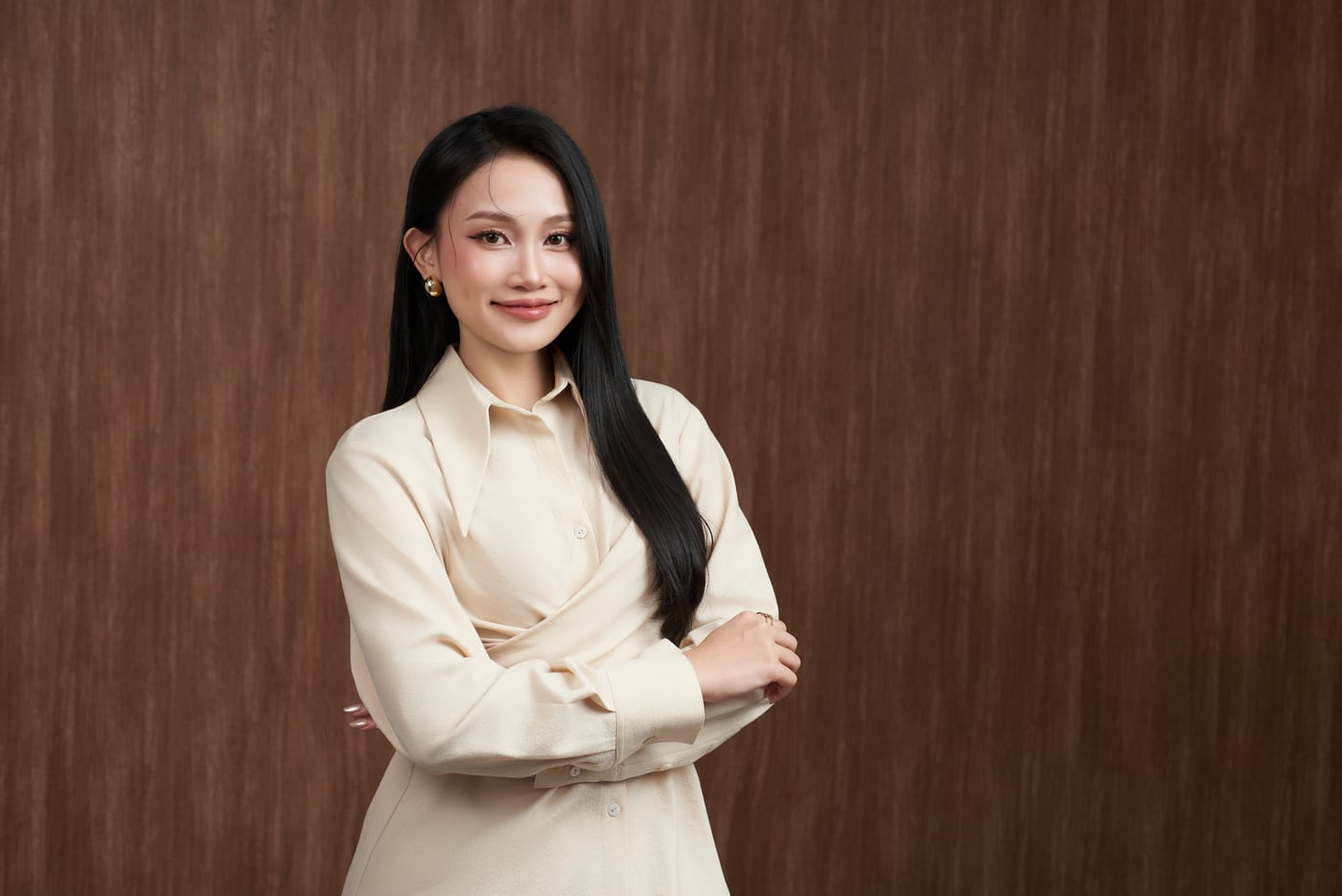
The LinkedIn banner (1584x396 pixels) is the part most people forget, yet it boosts profile traffic by 30% when used correctly. Suggestions:
- A beautiful workspace
- The city skyline where you work
- Company brand visuals
- A short personal tagline
If you want to shoot a background image for your LinkedIn banner in the same session as your portrait, tell Gạo Nâu Profile when booking for advice and a separate quote.
Book your LinkedIn Profile shoot
If you’re looking for a new job, switching industries, or being promoted, this is the time to update your LinkedIn photo. The Basic Profile package at 2,100,000 VND covers LinkedIn + CV + company records. Contact (+84) 775 243 530 to book.