
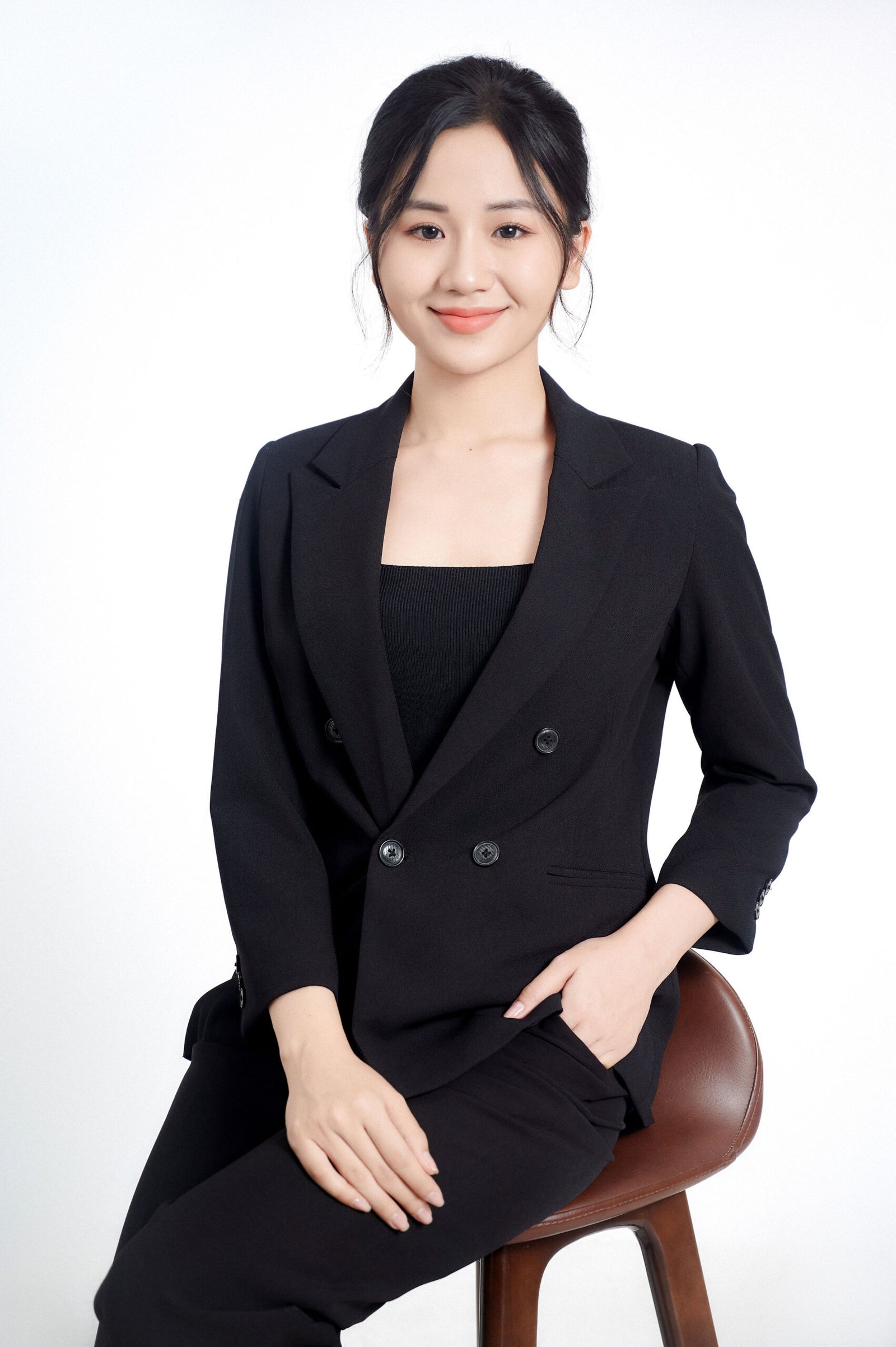
A rejected ID photo is a common situation when applying for a national ID, passport, or visa. According to data from document intake offices, 28% of applications need a replacement photo due to technical errors. This article gathers the 10 most common reasons and the specific fixes.
10 common reasons
1. Background not white enough
Error: Shot at home against a white wall with yellow cast from incandescent bulbs, or a gray backdrop that looks like dirty white.
Fix: Shoot at a studio with ISO-standard white PE fabric backdrop. Two balanced lights to keep the backdrop evenly colored.
2. Face not aligned
Error: Self-shot or the operator stands off-center, tilting the face 5-10 degrees.
Fix: Shoot with a fixed tripod, eyes looking straight into the lens, shoulders balanced and not tilted.
3. Hair covering eyebrows
Error: Long bangs or stray hairs falling onto the forehead, partially covering the eyebrows. Biometric software cannot measure the eyebrow-to-eye distance.
Fix: Sweep hair back, comb neatly, use clips if needed. Trim bangs 1-2 days before the shoot.
4. Wearing glasses despite being asked to remove them
Error: Forgetting to remove glasses, or thinking “blurry glasses are fine”.
Fix: Remove glasses before entering the shoot room. If glasses are required for medical reasons, bring medical certification with the application.
5. Non-neutral expression
Error: Toothy smile, furrowed brows, lips pressed too tight.
Fix: Keep facial muscles relaxed, mouth lightly closed, eyes open naturally. A slight smile is okay but no teeth showing.
6. Over-editing the photo
Error: Using apps to smooth skin, shrink the face, pull the chin. When officers compare with the real face, they see the difference.
Fix: Only light retouching on brightness and small blemishes. Don’t change facial structure.
7. Low resolution
Error: Photo taken with an older phone, scanned from a printed photo, or screenshotted from a compressed JPEG file.
Fix: Original file at minimum 300dpi, with enough pixel dimensions for online visa (600x600 for US, 450x600 for Schengen).
8. White shirt blending into white background
Error: Wearing a white shirt on a white backdrop eliminates the shoulder and neck outline.
Fix: Choose a dark or neutral shirt color — navy blue, gray, black, moss green. A collared shirt is even better.
9. Unbalanced lighting
Error: Shadow on one side of the face, or front flash creates a shadow behind.
Fix: Use 2 studio lights on each side, plus an overhead fill light. A professional studio has the setup ready — don’t shoot with house lamps.
10. Photo too old
Error: Using a photo taken 1-2 years ago for a new application. Biometric software detects differences from the current face.
Fix: Take a new photo within the last 6 months. By default, all visas and national IDs require a new photo.
Quick reference error table
| Error | Rejection probability | Fix difficulty |
|---|---|---|
| Background not white enough | High | Easy — reshoot at studio |
| Face misalignment | High | Easy — reshoot |
| Hair covering eyebrows | High | Easy — sweep hair and reshoot |
| Wearing glasses | Very high | Easy — remove glasses |
| Non-neutral expression | Medium | Easy — guidance and reshoot |
| Over-editing | High | Medium — must reshoot |
| Low resolution | Very high | Medium — need professional camera |
| White shirt matches background | Medium | Easy — change shirt |
| Unbalanced lighting | Medium | Hard — needs a studio |
| Photo too old | Very high | Easy — reshoot |
Prevention before shooting

Instead of wasting time on reshoots, prevent issues with 3 principles:
- Shoot at a professional studio — guarantees correct equipment and standard backdrop
- Check photos before printing — the studio has a large screen for inspecting every detail
- Get prints on the spot + digital file — ensures both hard copies and soft files meet standards
Reshoot warranty at Gạo Nâu Profile
Gạo Nâu Profile guarantees:
- Standard compliance check right at the studio before printing
- Free reshoot warranty within 7 days if the issuing authority rejects the photo due to a studio error
- Free consultation if you’re not sure your photo meets standards — bring your old photo for a check
Contact hotline (+84) 775 243 530 or visit any of our 3 branches.